 CoinExle
How to Stake TRX in CoinExle Wallet and Get Free Energy for USDT Transfers
Stake TRX inside your own CoinExle wallet with TRON Stake 2.0 to get daily Energy for USDT (TRC20) transfers and vote for TRON network rewards.
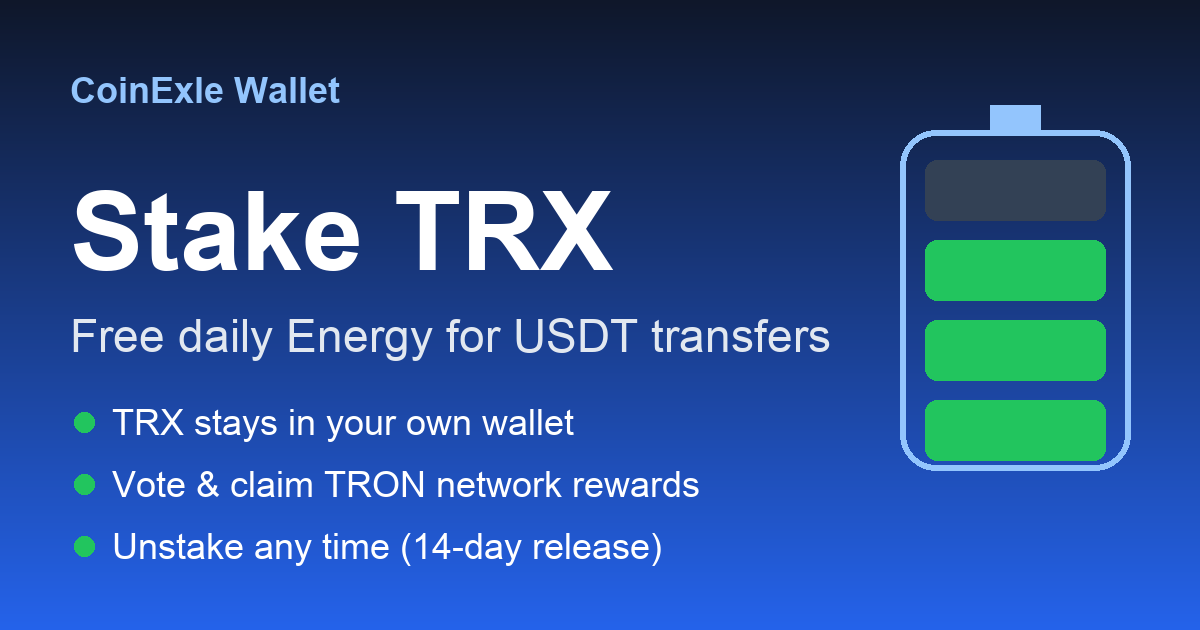
Every USDT (TRC20) transfer on TRON needs network Energy, about 65,000 for a normal transfer. If your wallet has no Energy, the network burns your TRX to pay for it. Staking is the TRON network's own way to get Energy without burning TRX each time.
What is TRX staking?
With TRON Stake 2.0 you lock some TRX inside your own wallet. In return, the network gives you:
- Energy every day, which your USDT transfers use first.
- TRON Power, which you can use to vote for a Super Representative (SR). Voters receive rewards from the TRON network.
Your TRX is not sent to anyone. It stays at your own address and only you can unstake it.
How to stake TRX in CoinExle
- Update CoinExle Wallet from Google Play (version 2.8.7 or later).
- On the home screen open TRX and tap Stake.
- Enter the amount (at least 1 TRX). The app shows roughly how much Energy per day it gives.
- Choose a Super Representative to vote for.
- Tap Stake and confirm with your PIN.
Keep at least 2 TRX unstaked so you can always pay small network fees.
Claim rewards and unstake
- When voting rewards build up, tap Claim on the Stake screen.
- To get your TRX back, tap Start unstaking. The TRON network releases it after 14 days, then tap Withdraw.
Staking or Cheap network fee: which is better?
- Small or occasional transfers: use Cheap network fee in the Send screen. CoinExle rents Energy for one transfer and you pay a small service fee.
- Frequent transfers: staking can cover your daily Energy, but you need to lock a larger amount of TRX.
Safety
- CoinExle never receives your staked TRX, and every action needs your PIN.
- Rewards come from the TRON network and change over time. Staking is not an investment product and CoinExle does not promise any return.
Full step-by-step guide: How to stake TRX
Try CoinExle Wallet
Send USDT without TRX, swap any coin and keep your keys on your phone.
Daily crypto rates in ₹, scam alerts, quizzes and rewards news.
Related articles
USDT galat network par bhej diya kya kare? आसान गाइड
क्या आपने गलती से USDT किसी गलत नेटवर्क पर भेज दिया है? जानें कि इस स्थिति में अपने क्रिप्टो फंड्स कैसे रिकवर करें और आगे ऐसी गलती से कैसे बचें।
Read article →
Bitcoin Prices Today: Track BTC Safely in India
Learn how to check bitcoin prices today using a secure non-custodial wallet. Get tips for beginners in India on live charts, swaps and safety.
Read article →
Flash USDT Kya Hai? Scam Se Bachne Ki Guide
Janiye flash usdt kya hai, ye scam kyun hai, aur Tronscan par asli USDT contract verify karke fake tokens se kaise bachein.
Read article →